About
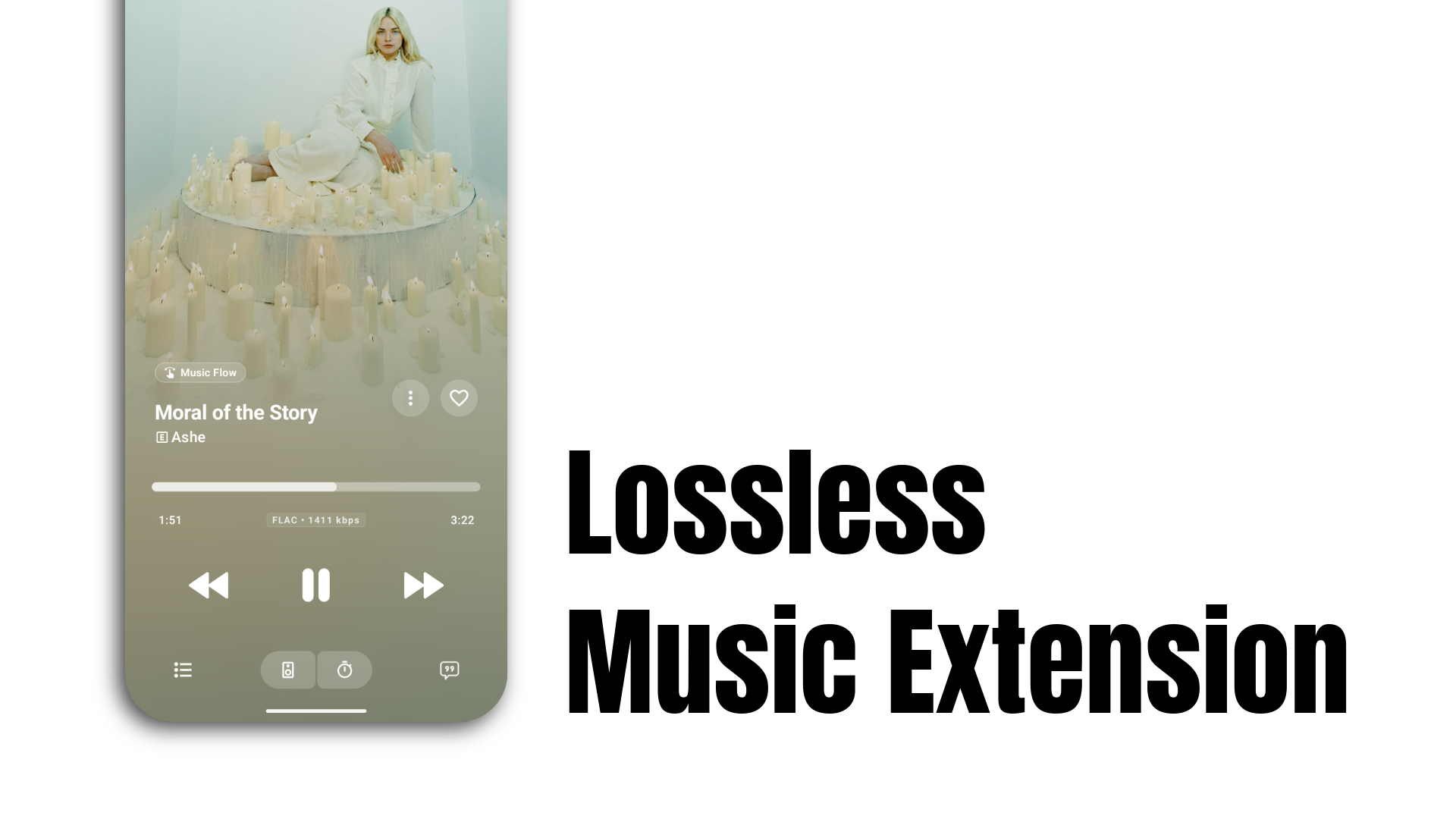
Lossless Extension resolves lossless audio streams across multiple upstream providers in parallel, serving whichever responds first. It integrates directly into Echo Music to deliver FLAC and high-fidelity audio with automatic quality fallback.
Note: This addon is community-maintained and relies on third-party upstream providers. Upstream endpoints may change or go offline without notice, though active efforts are maintained to restore functionality.
Setup
You will need a free Vercel account and a GitHub account.
- Click the Deploy button above to connect your GitHub and clone this repository.
- Configure the required environment variable during deployment:
| Variable | Required | Description |
|---|---|---|
QOBUZ_ID_SECRET |
Yes |
A 32-byte secret used to sign track
IDs. Generate one with:
openssl rand -hex 32
|
All other provider settings include preconfigured defaults.
From your Vercel project dashboard, copy the production deployment URL. It will match this pattern:
https://lossless-extension-xxxx.vercel.appOpen this URL in your web browser and click Copy URL on the landing page to copy your server address.
Do not append /search or
/stream paths.
- Open Echo Music.
- Go to Settings → Sources → Add an Addon.
-
Under Name, enter any
identifier you want (such as
Lossless). - Under Server URL, paste your copied deployment URL.
- Save and enable the addon.
The configuration is complete. You can now search for tracks and stream in lossless FLAC quality.
Provider Routing
Providers can be queried collectively or routed individually using path prefixes:
| Route Prefix | Provider | Target Quality |
|---|---|---|
/ (root) |
Multi (races all providers) | FLAC / Best Available |
/a |
Qobuz-DL | Lossless |
/b |
LastBabe | Lossless |
/c |
Monochrome | FLAC |
/d |
Deezer | High / Low |
/e |
Eljohnzc | Lossless |
/f |
Instable | Lossless |